Blog
Eclipse 4.0 and tutorial on writing e4-RCP-application released
The Release
The e4-Team just announced the availability of the Eclipse 4.0 SDK "Early Adopter Release" (Reviewslides) which marks a major platform update since the inception of 3.0 6 years ago. Just to reiterate what the 4.0 SDK is and to set expectations right. The 4.0 SDK is marked as an "Early adopter release" targeted at Plug-in Developers who want to test their code on the upcoming 4.x platform and report problems because of broken APIs or "APIs" not available anymore because they used internals of the platform. The 4.0 SDK "Early Adopter Release" is not targeted for use as your Primary IDE so keep this rough edges in mind when giving the 4.0 SDK a try. When takeing a closer look to the release you'll notice that in reality multiple different things have been released:
- Eclipse 4.0:
- Eclipse 4.0 Application Platform: The new application platform to write OSGi-base (UI-)Applications centered around a new programming model using DI and a modeled application kernel
- Eclipse 4.0 Compatible Rich Client Platform: Compability layer for API clean 3.x bundles to run unmodified on the new Application Platform
- Eclipse 4.0 SDK: Eclipse 4.0 Application Platform + Eclipse 4.0 Compatible Rich Client Platform + PDE 3.6 + JDT 3.6
- Eclipse 4.0 Technologies (also called "e4 SDK 0.10" / "e4 release July 2010" because the releasing project is e4):
- XWT + Tooling: XAML for SWT/JFace and Visual Designer Tools
- Semantic Filesystem implementation
- Application Modeltooling
A small hint for Plug-in developers who are trying to debug their Plug-In by launching an inner Eclipse and all Eclipse 4.0 Application-Developers. The Eclipse 4.0 SDK misses at the moment the source bundles for the new Eclipse 4.0 components and you need to install it through the p2-repositories pre configured for you. We recommend to install:
- EMF SDK
- Modeled Workbench Source
- CSS Support Source
to successfully step through the code using the debugger. My personal main focus in the Eclipse 4.0 development for the last 2 years has been the "Eclipse 4.0 Application Platform" whose goal is to modernize and simplify the development of OSGi-based UI-Application using DI and a modeled application approach. In the last few months I also worked on a tool to make writing applications for the Eclipse 4.0 Application Platform easier.
The model tooling
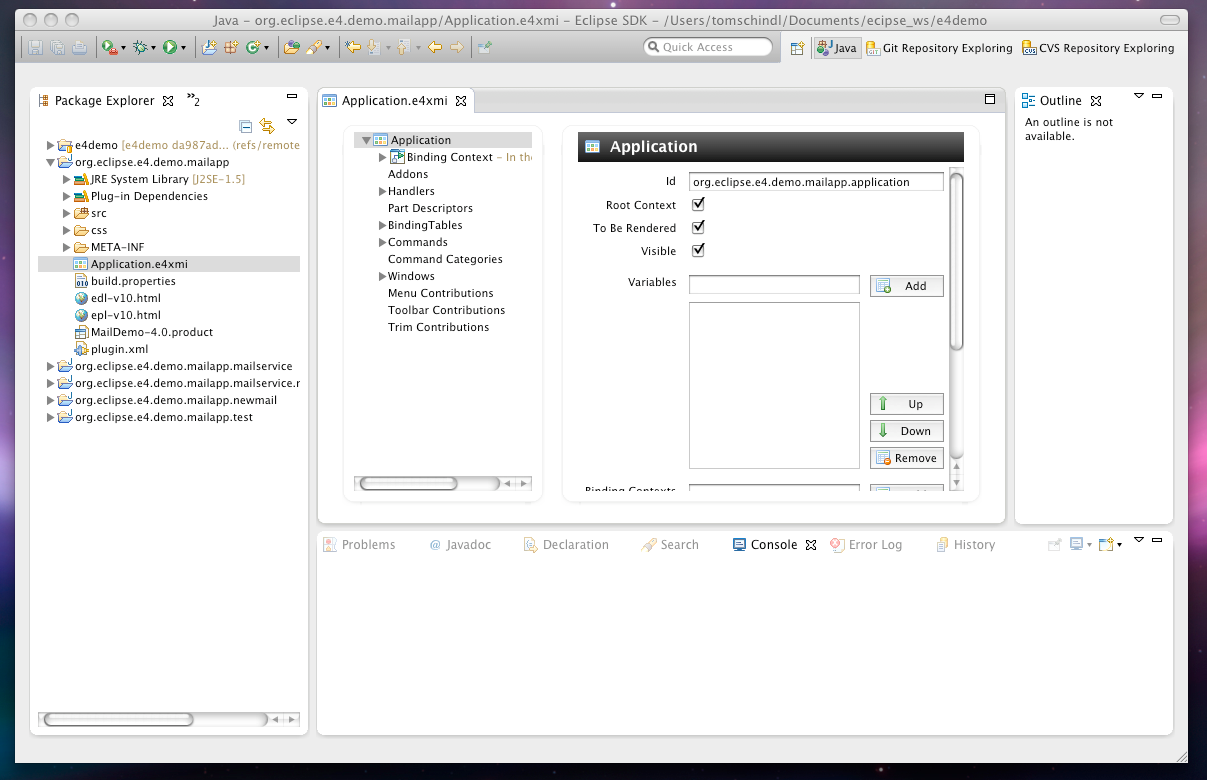
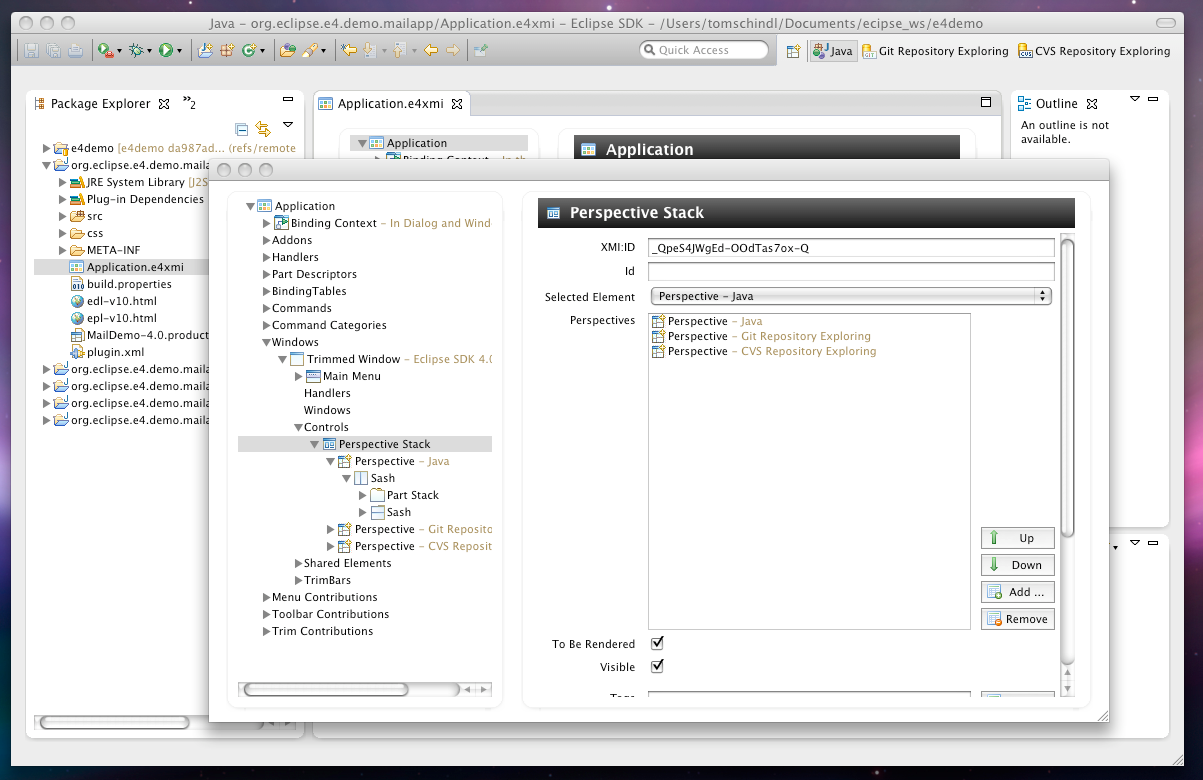
Since March I've been dedicated half of my 4.0 development time implementing support for the application model underpinning the Eclipse 4.0 Application Platform. The model tooling has not yet graduated out of the e4-incubator and so is not part of the Eclipse 4.0 SDK download and you'll have to install it using the preconfigured e4-repository - you find it in the "E4 Tools"-category. The tooling is working in 2 modes:
- Design/Development-Time mode: This is the standard mode you are using when developing an application. In this mode you operate on a Application-Model persisted as a XMI-File in your workspace.
- Live mode: In this mode you are operating on the live model of a running application and are able to inspect and modify live
The Eclipse 4.0 Modeltooling is written to run native on the Eclipse 4.0 Application Platform (no useage of the Backward-Compat-Layer) but also integrates smoothly in the Eclipse 4.0 SDK. Probably one of the most remarkable things though is that it runs also in a 3.6 SDK enabled by the so called Forward Compat Layer I started developing who does the opposite of the backward-compat-layer. It allows you to run components using the Eclipse 4.0 Progamming model which is built upon POJOs and DI in a 3.6 environment. This makes it possible to write Eclipse 4.0 Applications using the 3.6 SDK as the screenshot demonstrates: 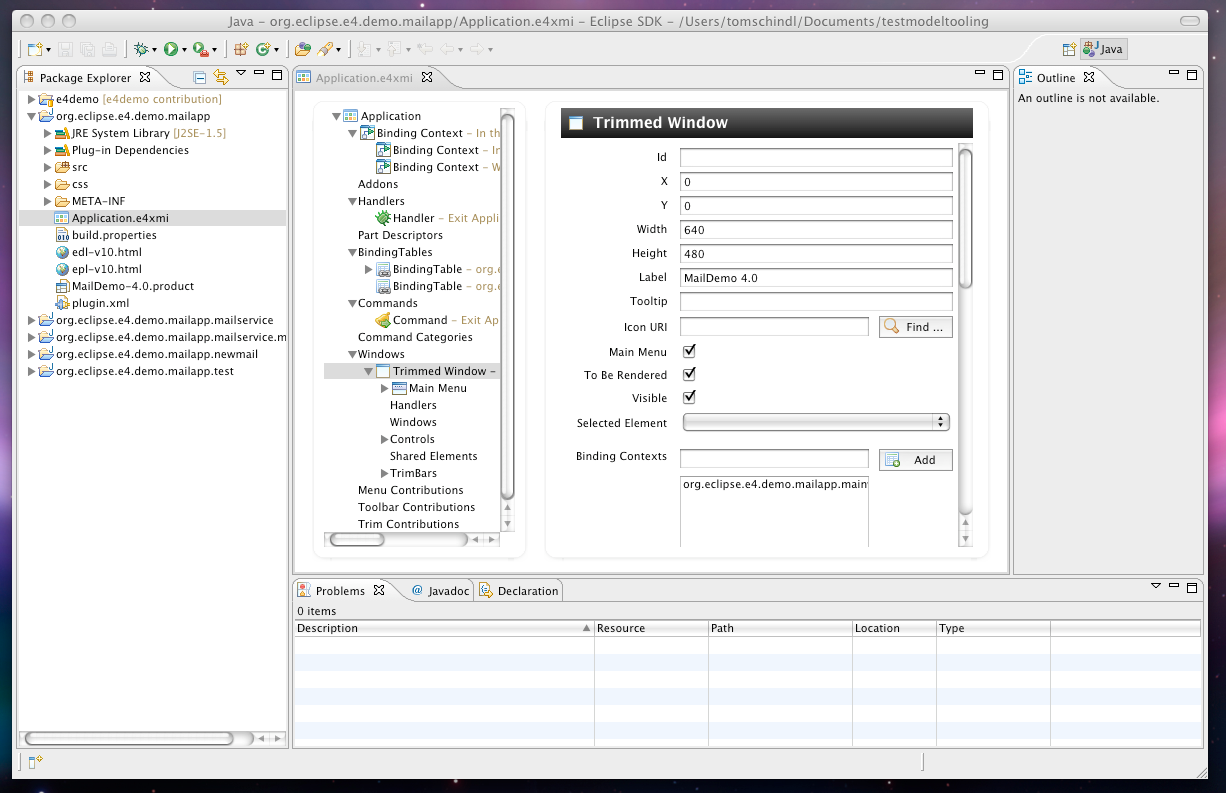 All you need is to install the tools using the e4 Update Site which is available on http://download.eclipse.org/e4/updates/2010.
The tutorial
When introducing new technologies we know that it is important to give people a medium sized example application which explains the concepts of the framework and provides them "monkey see, monkey do" example code. That's why I've worked in the last few days/weeks on a tutorial which helps people getting started writing applications using the "Eclipse 4.0 Application Platform" 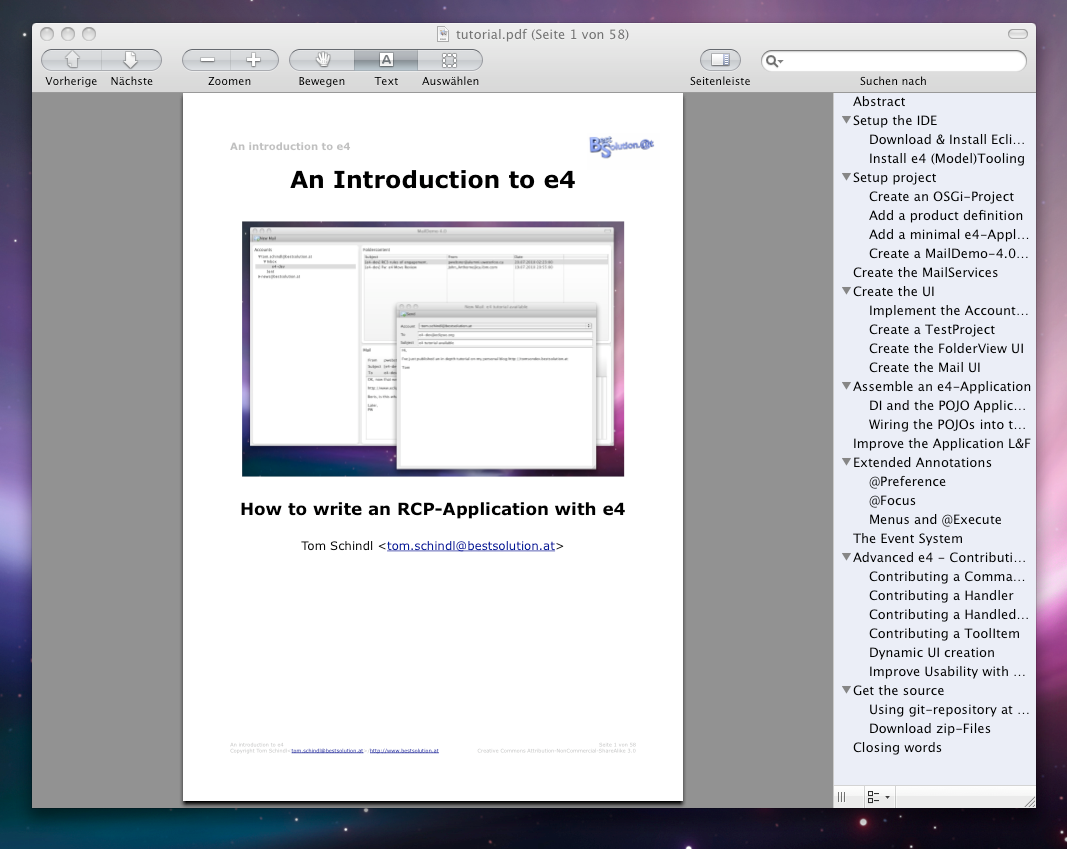 You can download the tutorial which is released under Creative Commons Attribution-NonCommercial-ShareAlike 3.0 using this link. The sources codes are released under EDL-1.0/EPL-1.0 and are available from github and/or as individual zips (urls found in the PDF). If you only want to take a look at an application built using the Eclipse 4.0 Application Platform you can downloaded using the links below:
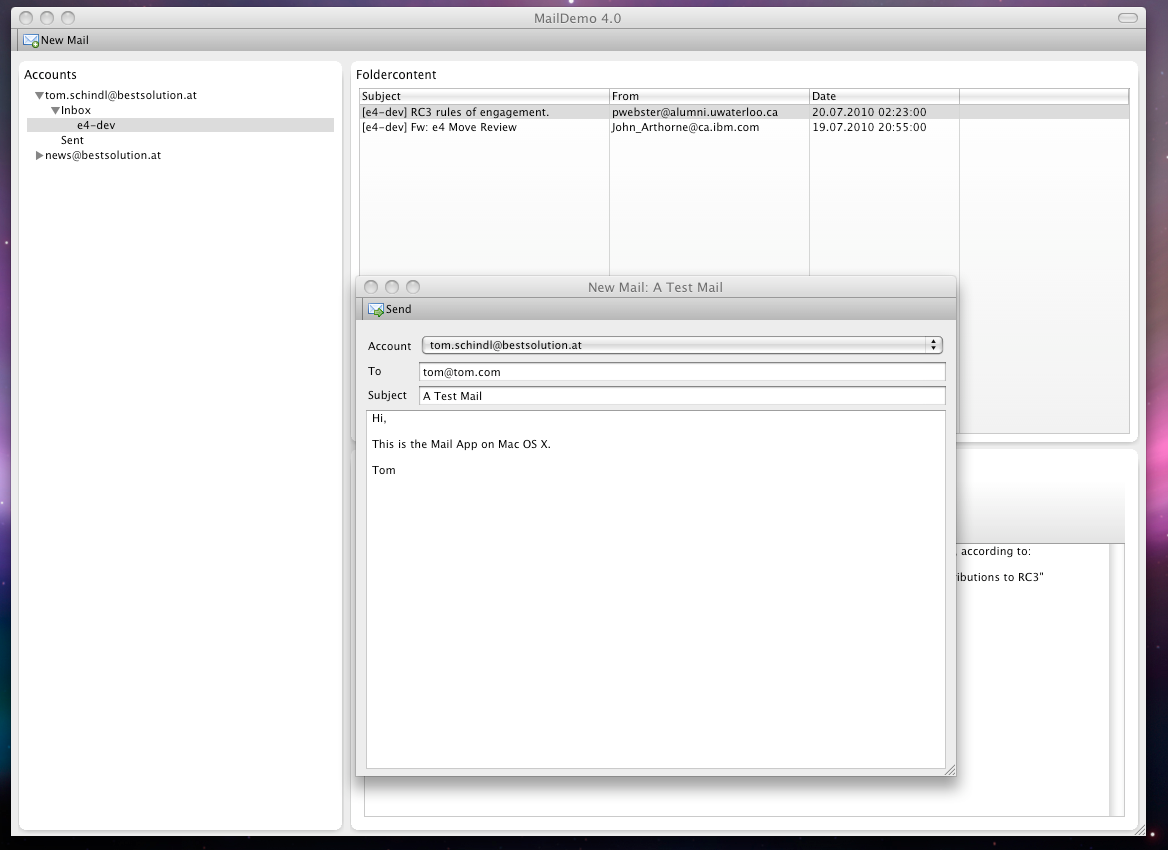
- Mac Version (cocoa32bit,cocoa64bit)
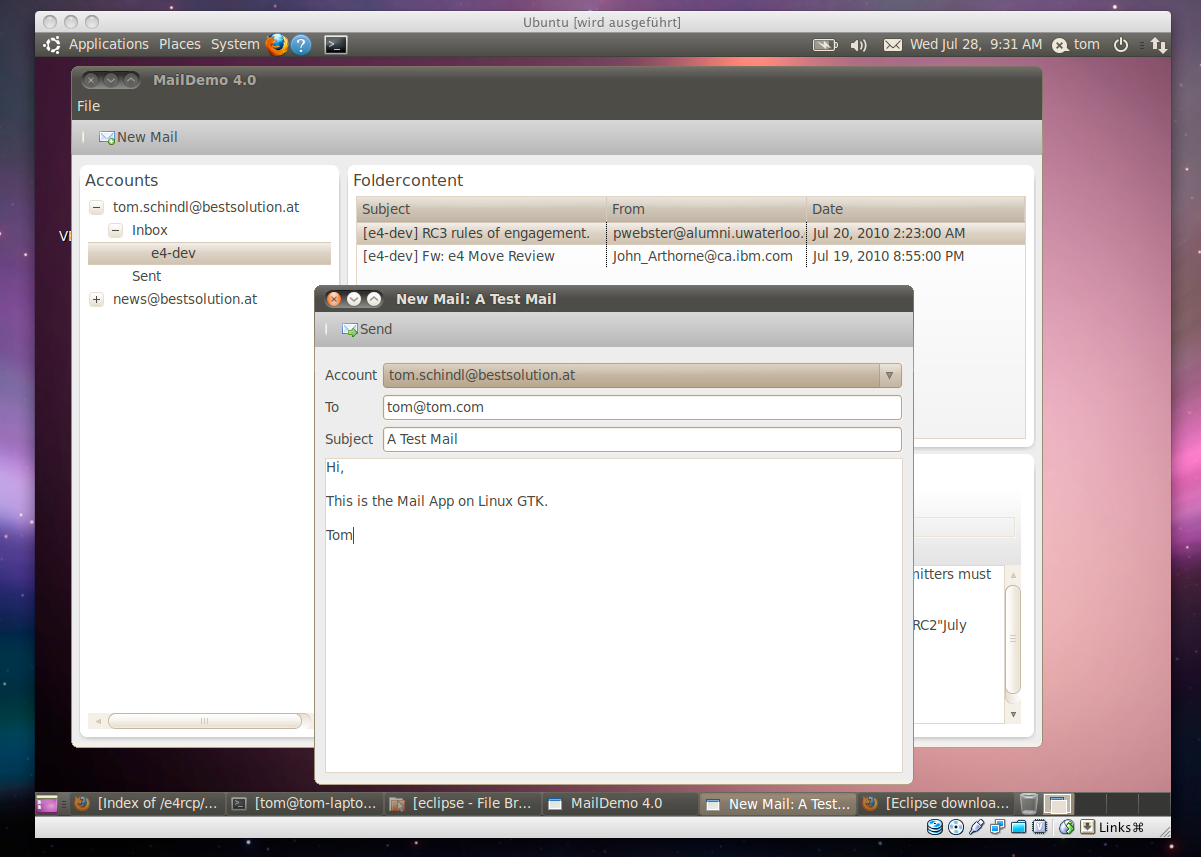
- Linux Version(32bit,64bit)
- Win32 Version(32bit,64bit)
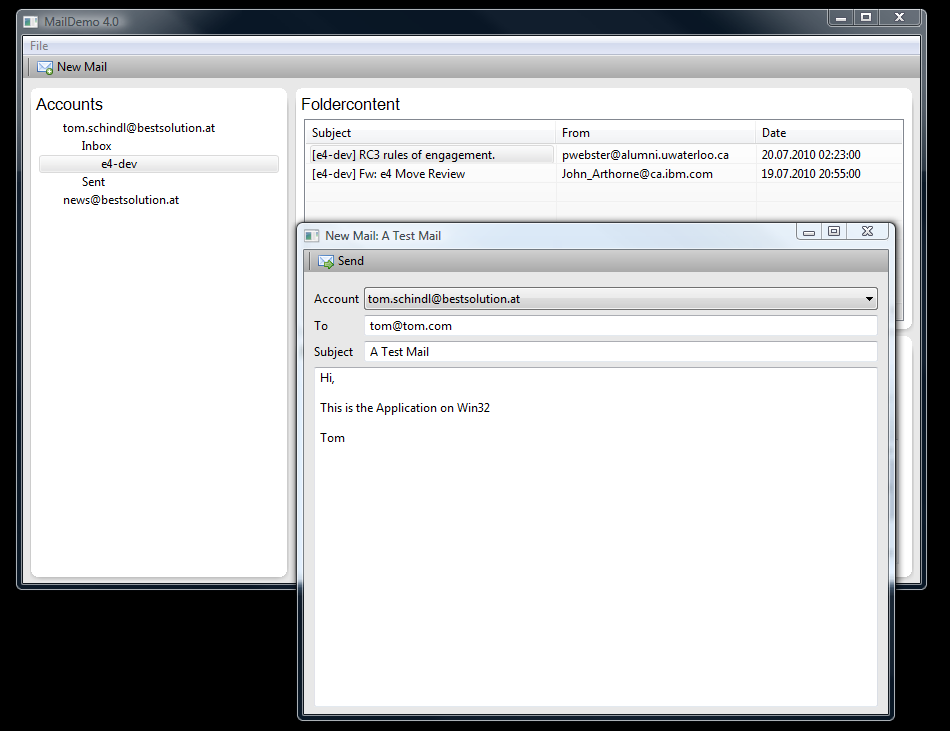
You need Java 6 to run the demo although Eclipse 4.0 itself only needs Java5. To get accounts displayed on the left you should enter the following values in the Preference Dialog:
- Username: john
- Password: doe
- Host: blabla.com
It looks like the update-code triggering of the AccountView is a bit weak so if you are not informed about the opening of the session after clicking around stop and starting the application should help you (I'll try to work on a solution in the days to come). Just in case you like the service I'm providing to you for free with this tutorial and you want to donate some cents here's the button to push: 
Tutorial-Update
- 2010-08-10:
- Fixed unclear section on page 6
- Added warning to not install Visual WorkbenchTooling