Blog
Installing Eclipse Translate View
I've just added an update-site to install Translation View into your Workbench. All you need to do is to add 2 update-sites:
- E4 M6 Update-Site: download.eclipse.org
- Translator Update-Site: svn.codespot.com
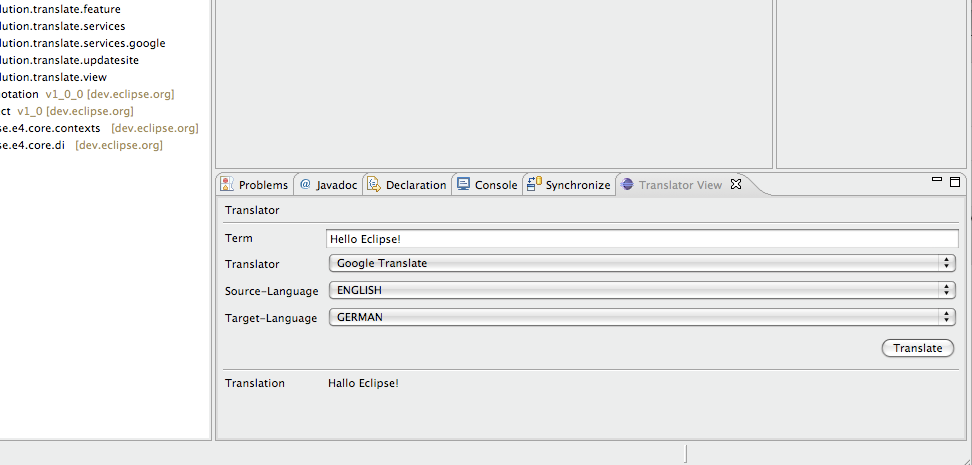
After having successfully installed you should see a new category in your Eclipse Workbench: 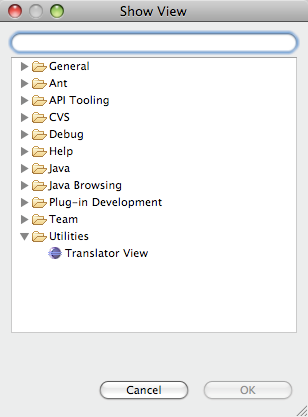 And if opened it will show up like this: