Blog
Eclipse 4 L&F on Linux
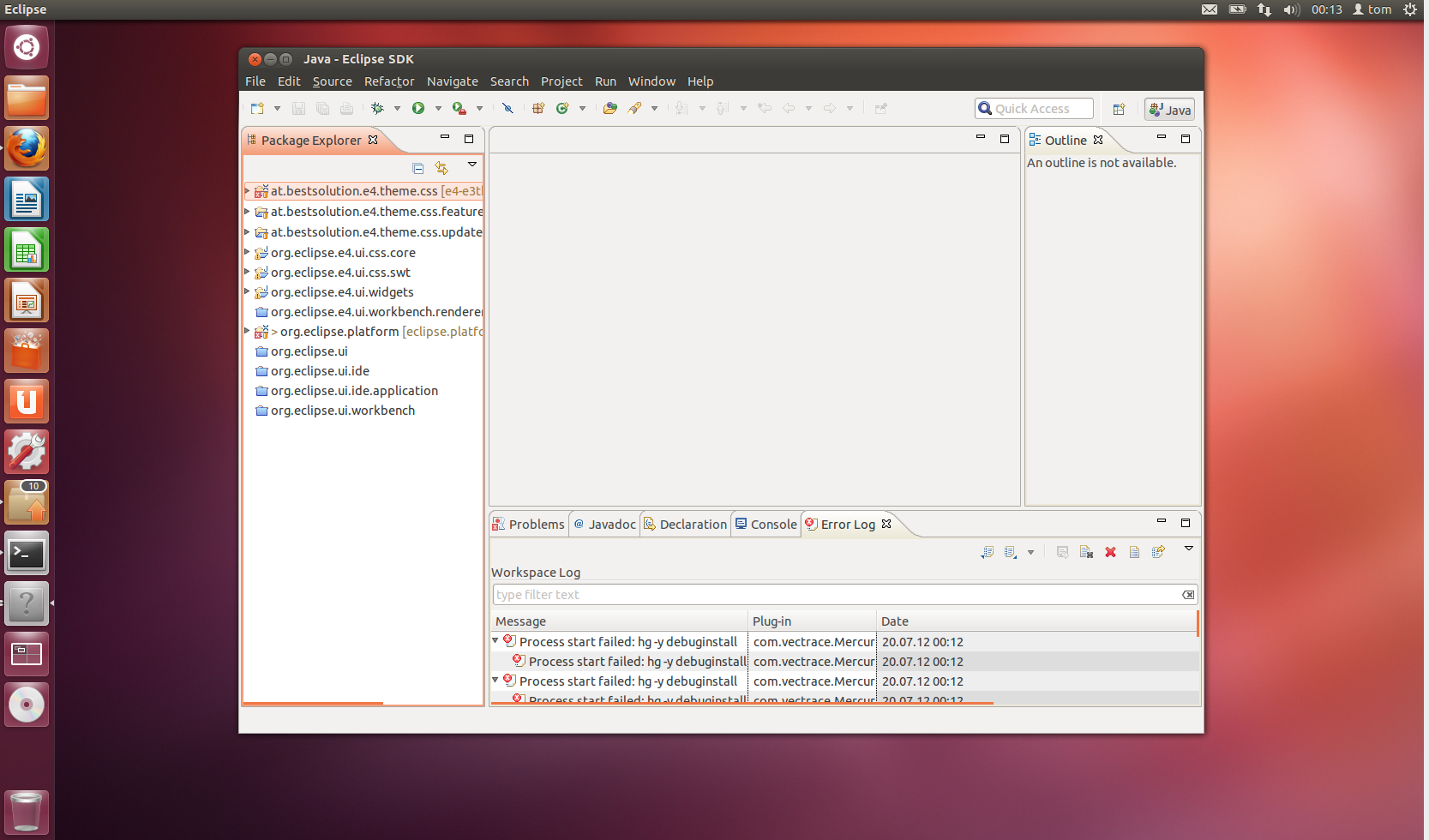
I've read some reports from people who don't like the new L&F. I don't want to discuss this what I'd like to present you is how you can get the old L&F almost back. The default answer you'll get is that you should switch to the Classic-Theme in Preferences > General > Appearance - don't forget to restart because not all css-values are applied correct on the fly. Unfortunately this doesn't fully fix it because tabs will now be rendered in blue which looks strange on e.g. Ubuntu. Default-Theme: 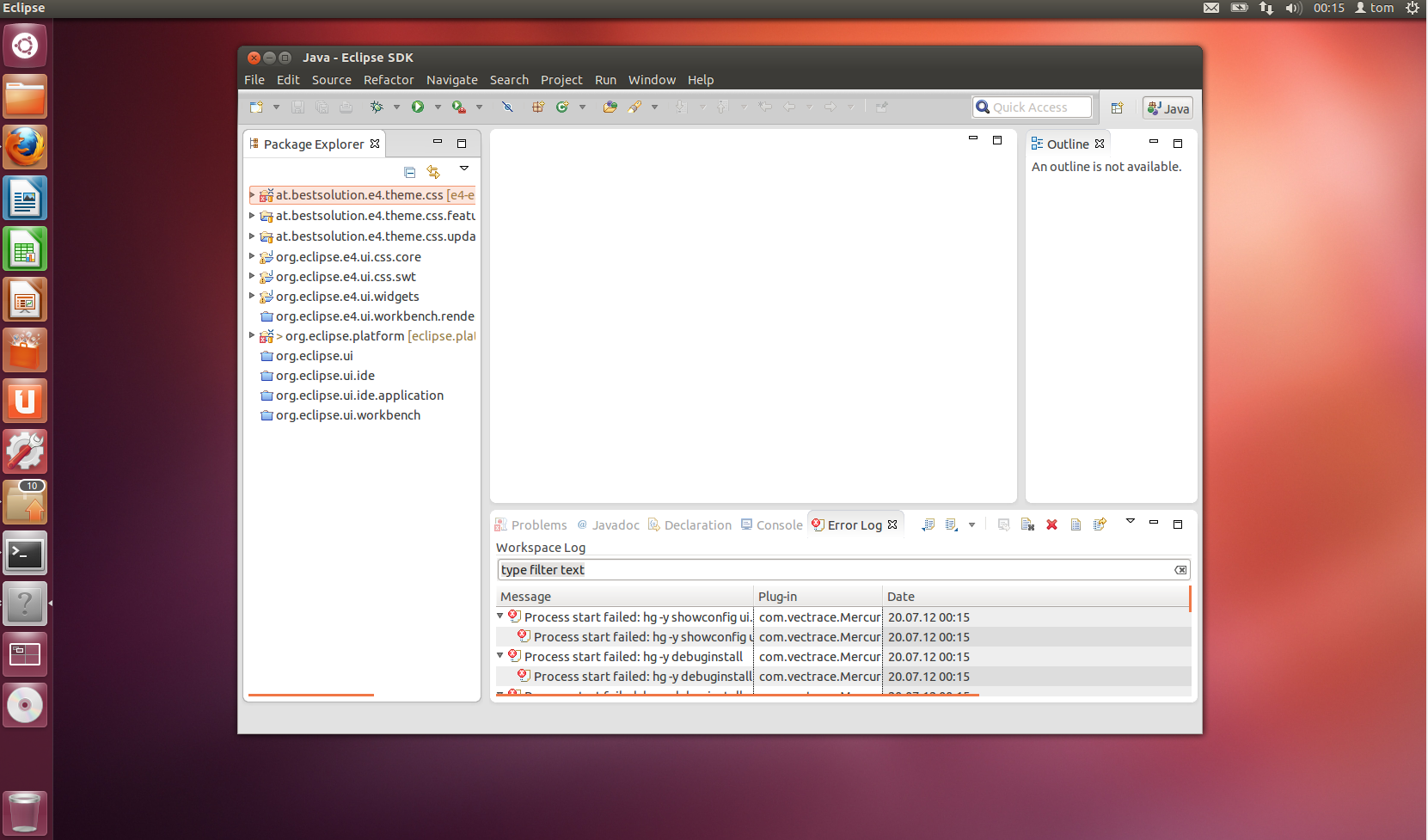 Classic-Theme:
 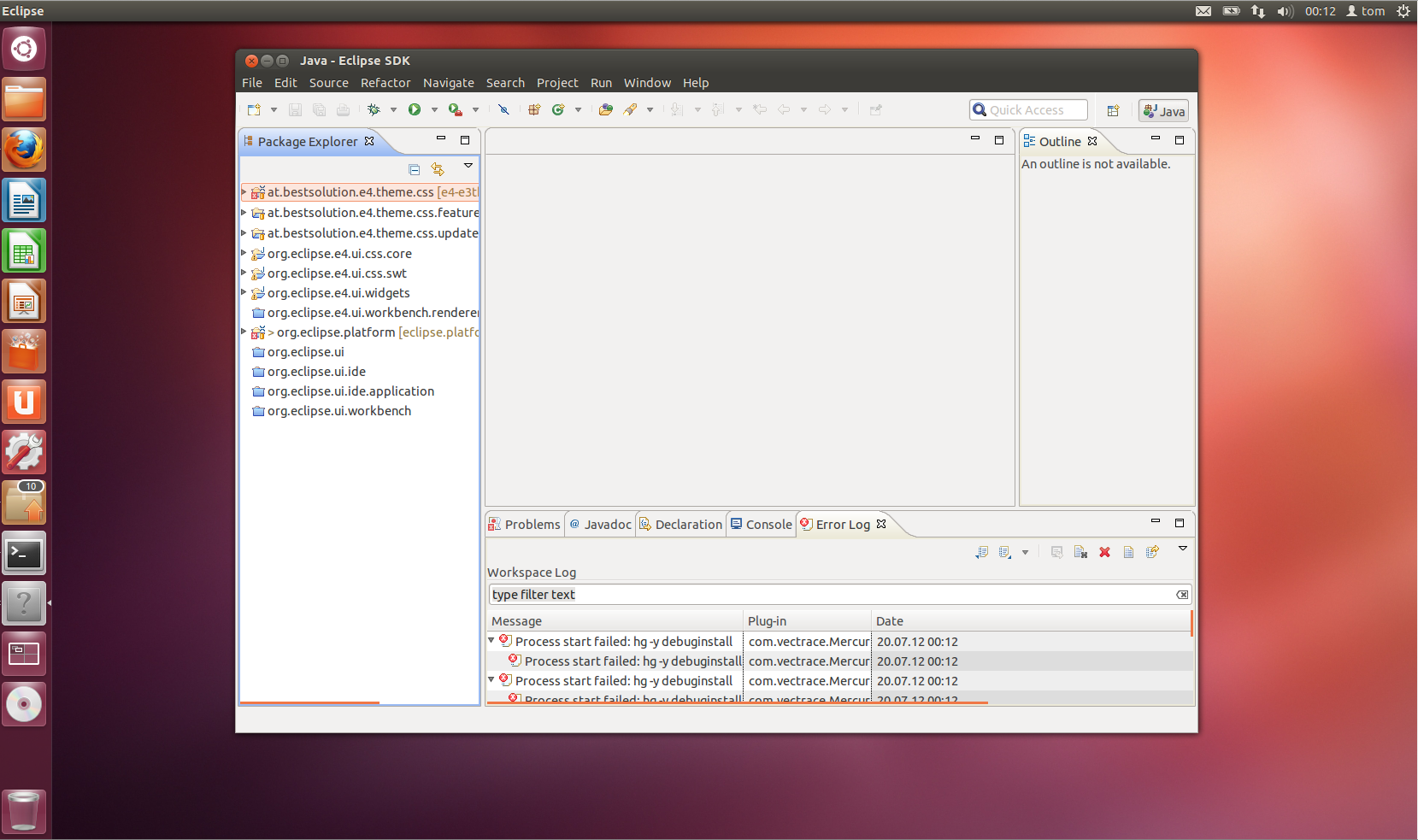 The problem is that our CSS-Engine currently can't access system colors nor derive colors from them (something we'll address in 4.3). Now to give a solution until then I've hacked today a theme which is able to access those native colors in the same way 3.x derived them. Version 0.1.0 of e(fx)clipse which is going to be released tomorrow is going to have this theme packaged with it! All others can fetch it from my github-repo. Note for all other theme creators: The e4-e3 theme comes with possibility to register named colors through a DS-Service, so if you want to do complex color calculations based on e.g. some system colors you can contribute named colors. Here's how eclipse 4 on ubuntu looks now with a theme who honors the system color settings: