Blog
Having fun with SVG and JavaFX 2.0
Thanks to Jasper Potts - e(fx)clipse has a first logo. Jasper was nice enough to provide me an SVG-Version of it and so I was able to use my SVG-To-FXML-Converter to make some fun stuff with the logo he provided. 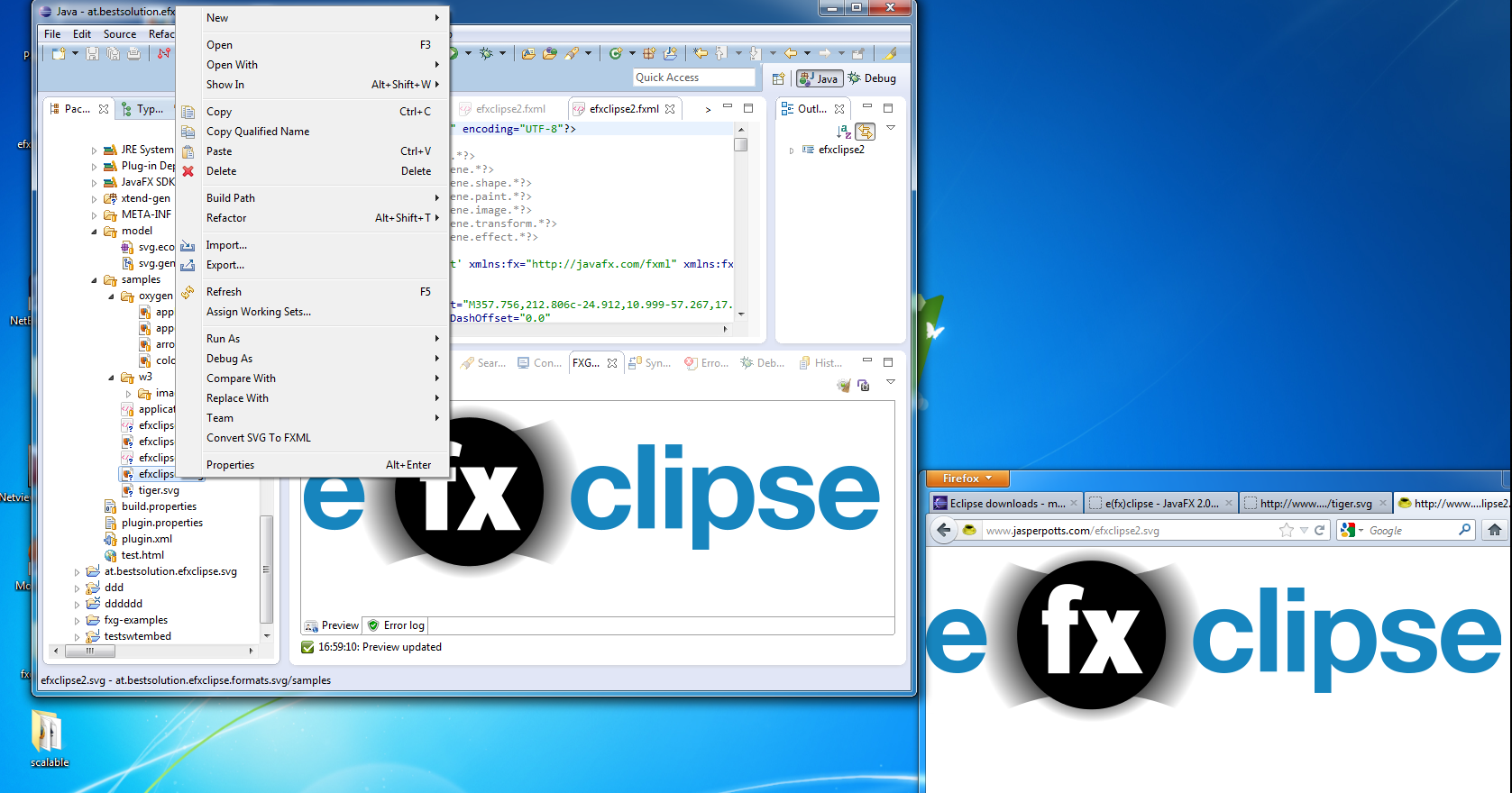 After the conversion I rearranged some parts in the FXML to group them and make them locateable through CSS-Selectors. Next was to loaded the fxml-File:
Group g = FXMLLoader.load(LogoAnimation.class.getResource("efxclipse2.fxml"));
Use the extremly cool Node.lookup(String) to locate some of the elements in the FXML.
// hide the logo
Group logo = (Group) g.lookup("#logo");
logo.setOpacity(0);

// move the text to the right
Group text2 = (Group) g.lookup("#text_clipse");
text2.setTranslateX(-220);
Next thing was to make the text move to the right and then make the logo FX-text fade in with this code:
TranslateTransition tt = new TranslateTransition(new Duration(3000), text2);
tt.setFromX(-220);
tt.setToX(0);

FadeTransition ft = new FadeTransition(new Duration(2000), logo);
ft.setFromValue(0);
ft.setToValue(1.0);

ScaleTransition st = new ScaleTransition(new Duration(2000),logo);
st.setFromX(0);
st.setToX(1);

SequentialTransition t = new SequentialTransition(tt,new ParallelTransition(ft,st));
t.setDelay(new Duration(2000));
t.setAutoReverse(true);
t.setCycleCount(Animation.INDEFINITE);
t.play();
Finally I wrapped it up in a transparent stage:
StackPane p = new StackPane();
p.getChildren().add(g);

Scene s = new Scene(p);
s.setFill(Color.TRANSPARENT);

primaryStage.initStyle(StageStyle.TRANSPARENT);
primaryStage.setWidth(657);
primaryStage.setHeight(237);
primaryStage.setScene(s);
primaryStage.show();
Last step is to use the built-in application export of e(fx)clipse which uses JavaFX's ant-task to export an application 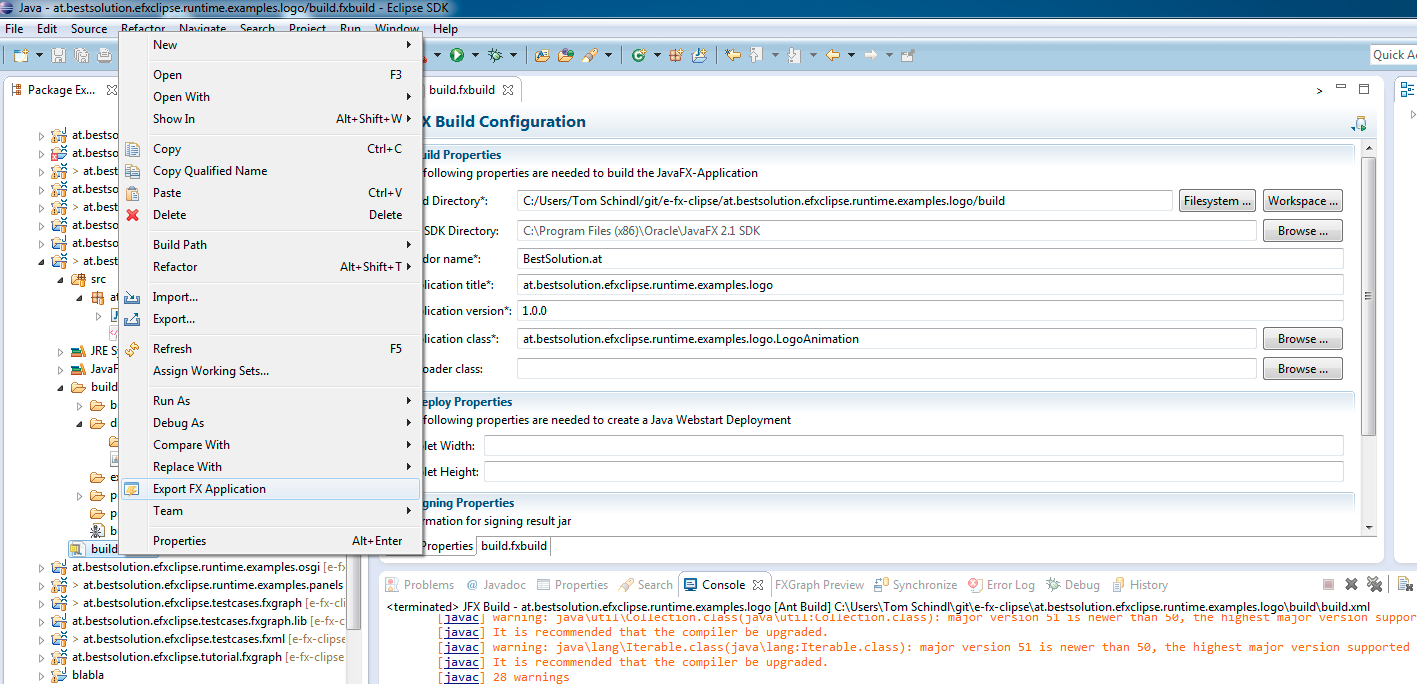 so that one can launch it on a double click Video If you want to take direct look on the sources you can find them in e(fx)clipse' git-repo. I know that this is only a small example but it hightlights how easy designers and developers are able to interact with the use of Java, JavaFX, FXML and e(fx)clipse.